We moved away from YoLink and similar consumer kits to avoid dependence on third-party services and limited features; we write our own software and assemble the hardware to collect the readings your site needs.
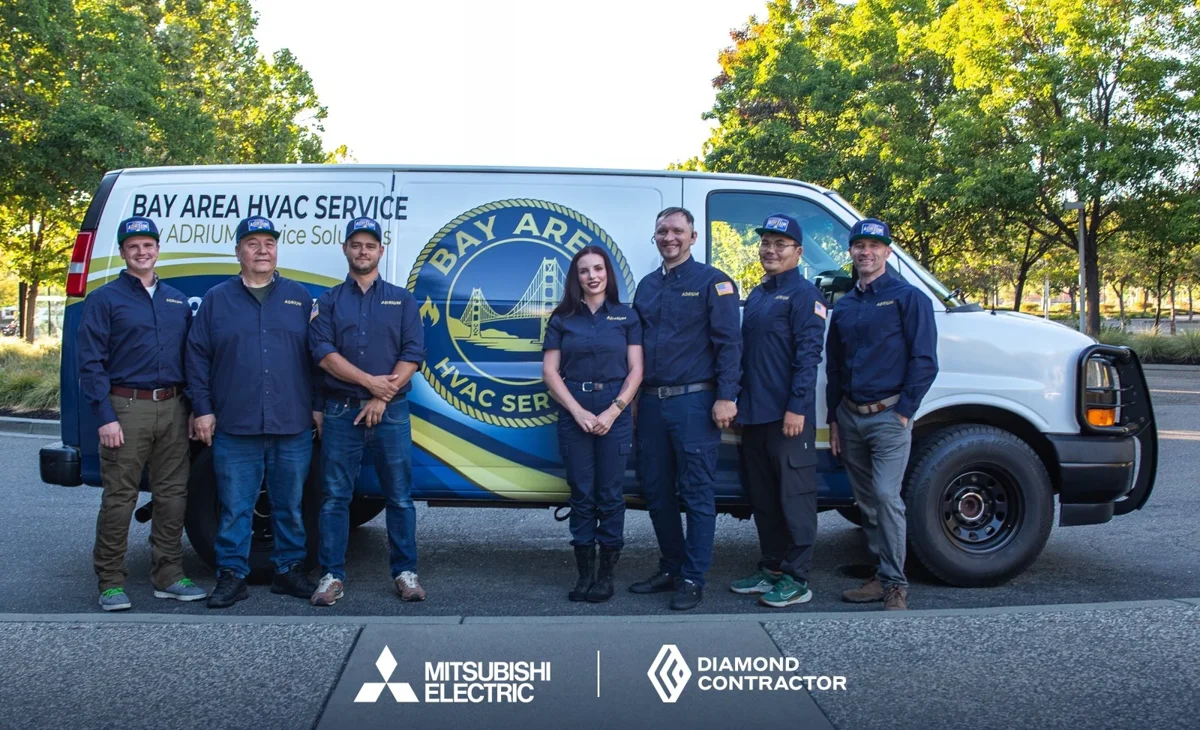
Founded in 2021, ADRIUM brings commercial refrigeration and kitchen service experience, HVAC work through Bay Area HVAC Service, and our own in-house CRM to system design.
Cold storage
Wine rooms
HVAC performance
Water & leaks
Your equipment. One clear view.
See a change, find the equipment, know who should respond.
ADRIUM Smart OperationsDemo dashboard with sample data
4 equipment points0 need reviewHub: connected
Client view · your sites and equipment
Selected equipment
Walk-in refrigerator
37.8 °F
Kitchen · R-01 · 38°F target
12 readings.
Freezer and walk-in temperature alarms, leaks and HVAC monitoring.
Four situations to plan for. Thresholds, timing and contacts would be set for your equipment and procedures.
Kitchen42.6 °F
A walk-in warms after closing.
Your morning shift should have more than one temperature reading to work with.
Log the rising temperature.
Notify the site contact and agreed backup.
Check the equipment and follow food-safety procedures.
Wine storage76 % RH
A wine room drifts out of range.
Temperature and humidity trends add context to a room check.
Track the humidity change.
Route the alert to the storage manager.
Inspect the room before adjusting equipment.
Office3 min
HVAC starts. Stops. Starts again.
Short cycles can be hard to catch between maintenance visits.
Compare cycle length with the site baseline.
Give facilities staff the recorded pattern.
Arrange an HVAC diagnosis if needed.
ApartmentsWet
A leak starts where no one is looking.
A sensor reports water at the point where it is installed.
Detect water at the selected location.
Notify the authorized building contact.
Inspect safely and arrange the appropriate trade.
Start with the places you need to watch.
Restaurants & commercial kitchens
Walk-ins, reach-ins and equipment rooms between shifts.
Wine storage
Temperature and humidity around rooms and cabinets.
Apartments & property managers
Selected water-risk points and shared mechanical spaces.
Offices & clinics
Comfort conditions and HVAC operating patterns.
Watch equipment, not people. No cameras, microphones or tenant tracking. Agree on placement, permissions and access before installation.
From a sensor reading to a person who can act.
The proposed path for a managed site. The network, radio coverage and compatible sensors need an on-site check.
Sensors
At the equipment
Local hub
Collect the readings
Your internet
Agreed network path
ADRIUM platform
Review the pattern
Alert
Approved contacts
On-site technician
Visit agreed separately
Managed
ADRIUM hosts it.
Your hub would send readings through your internet connection to our local monitoring server. Access, support and recurring charges are agreed in writing.
Fully local
You operate it.
Software runs on your premises; monitoring data and logs are stored on your server. No mandatory ADRIUM subscription. You manage the system; installation and optional support are quoted separately.
Your server + service access
You choose what we see.
Your primary system stays with you. Grant limited, revocable API access for the monitoring and service tasks you approve.
You control your data. We agree on retention, backups, hardware ownership, exports and permissions. Off-site alerts require a working network connection; outage and recovery behavior must be tested.
Behind the alert, a service team.
Our service work helps us choose readings that can reveal changes before a breakdown. We design the software, hardware and alert rules around the equipment on your site.
01
Rules flag the condition.
Agreed thresholds and missing-data checks would identify a change worth reviewing.
02
Context helps the decision.
Each alert comes with the reading history and the equipment details, so the right person knows what changed and what to check first.
03
A person decides what comes next.
The site contact checks the situation. Visits and repairs follow our normal service process, with timing and price agreed separately.
Acknowledgment, escalation and service hours belong in the written plan. No 24/7 human-response promise.
Bay Area HVAC Service · ADRIUM Service Solutions Founded in 2021
ADRIUM service clients. Their inclusion does not mean they use or endorse Equipment Monitoring Solutions.
Pleasanton Physical Therapy
Pleasanton Nursing & Rehabilitation Center
How a system comes together.
Every system starts with the equipment, the building and the readings you need.
One area
One problem. A small set of points.
Start with a walk-in, a wine room or selected leak locations. Define readings, recipients and a test plan.
Connected site
Several systems, one property.
Bring refrigeration, HVAC and water-risk points into a shared view with agreed responsibilities.
Property portfolio
A plan for more than one address.
Begin at one site, verify the readings and alert delivery, then decide whether to extend coverage. Nothing expands automatically.
Check the site. Then build the system.
You may not know whether there is usable signal or power in a back room or on the rooftop. We test those locations before choosing what to install.
01
Request
Tell us what you want to monitor and ask your question.
02
Site survey
Test cellular, Wi-Fi and radio signal. Check power, mounting, access and the equipment’s own controls.
03
Proposal
Agree on the hardware, software, readings, alert contacts, costs and acceptance tests.
04
Install
Fit the agreed system and test readings, alerts, outages and recovery.
05
Monitoring
Review the readings and follow the agreed response and support plan.
Your site, your requirements
What would you like to keep an eye on?
Enter the counts you know and tell us what you need. Leave a count at zero if you are unsure; we can work through it during the survey.
We confirm signal, power and placement on site before anything is installed.
Before we begin.
Can I choose the system from this page?
You can tell us what you want to monitor. The dashboard uses sample data, and the request form collects your equipment counts and question. We confirm the hardware, software and installation plan after testing conditions at your site.
Why do you need a site survey?
Signal and power can be different in a back room, inside a walk-in or on a rooftop. You may not know what is available at each location. We test cellular, Wi-Fi and radio signal where the sensors would go, then check power, mounting points, access and the equipment’s own controls.
Does an alert book a technician?
No. Alerts go to the contacts agreed in your plan. Your designated person checks the situation and follows site procedures. A service visit, access, timing and any repair work are agreed separately. We do not promise 24/7 human response.
Where is our data kept?
Your monitoring data and logs are stored only on our local server or on your own server, never in third-party cloud storage. You control the data. We can design for our local server, a fully local system operated by you, or your server with limited service access. The agreement defines hardware ownership, retention, backups, permissions, export and how access ends. A fully local model has no mandatory ADRIUM subscription; optional support is quoted separately.
What happens if power or internet fails?
Remote alerts need a working network path. Backup power, local alerts, buffering and recovery must be designed and tested for the site. A missing reading must be distinguishable from a normal reading; we do not assume a backup connection exists.
Does monitoring replace safety checks?
No. Monitoring does not guarantee hazard detection, damage prevention or regulatory compliance. Keep gas and CO alarms, required safety systems and routine checks independent. Temperature logs do not replace food-safety procedures. Our scope excludes cameras, microphones and tenant tracking.